
PonyBuy Spreadsheet: from a link to your door
Find a product, then follow the steps for ordering, warehouse photos and shipping with PonyBuy.
Try a brand, model or product name. Check the seller details before ordering.
Browse by category
Browse 16 categories, or narrow the list below. Check the seller details before ordering.
16 categories
No categories match. Try a shorter word, or show all categories.
 SneakersCheck the seller size chart and ask for useful measurements.
 Jackets & CoatsCheck weight and packing before choosing a route.
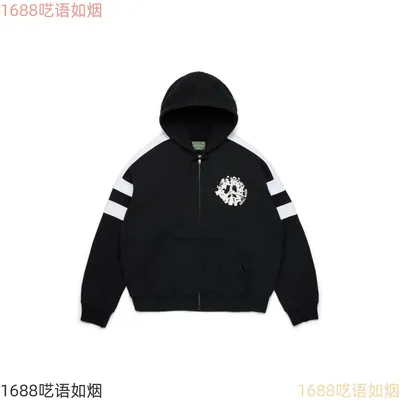 HoodiesCompare chest and length measurements, not just the size label.
 T-ShirtsCheck fabric, fit and the selected variant.
 JeansCompare waist, inseam and the seller size chart.
 SweatpantsCheck waist and length measurements before ordering.
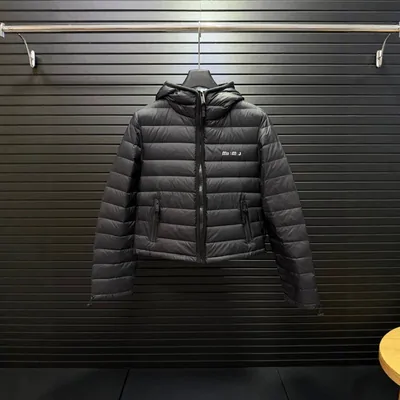 WomenswearBrowse womenswear and check each seller size chart.
 JerseysCheck the team, season and chosen size.
 BagsLook closely at hardware, seams and lining in warehouse photos.
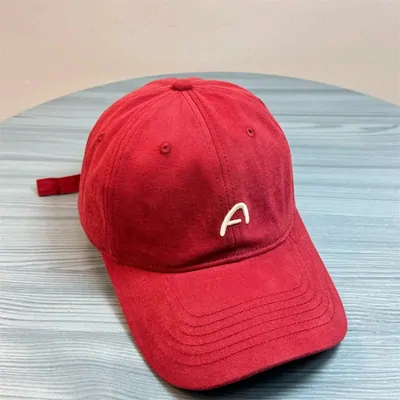 HatsCheck size and shape; request protective packing if needed.
 BeltsConfirm the full belt length and buckle details.
 EyewearCheck dimensions and protective packing for fragile items.
 PerfumeCheck liquid restrictions on the route before you buy.
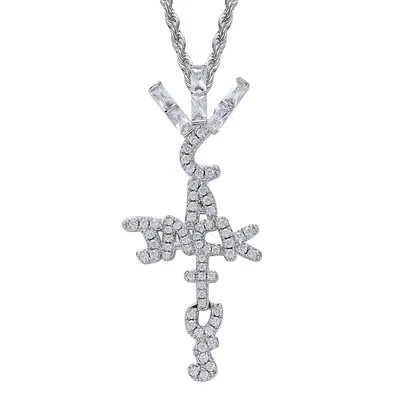 JewelleryCheck dimensions and material details on the listing.
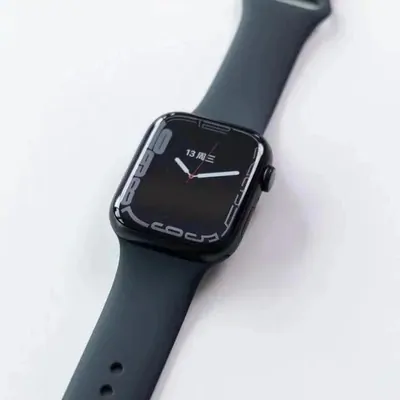 WatchesCheck route rules, packaging and any battery restrictions.
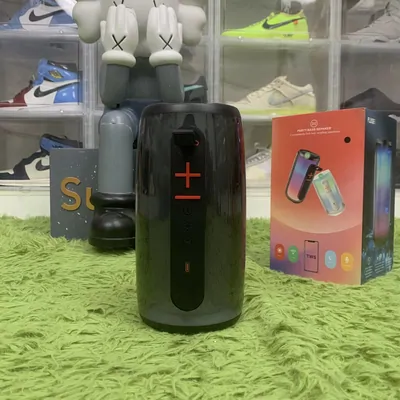 ElectronicsCheck batteries, dimensions and route restrictions first.
What a PonyBuy Spreadsheet is, and what PonyBuy is
A PonyBuy Spreadsheet is a browsing site. You open a category, scroll a wall of product cards, and each card carries a link. Nothing is sold there and nothing is held there. The only thing a card gives you is an address.
PonyBuy is the other half. It is a Chinese buying agent: you hand it that address, it buys the item on a Chinese platform in its own name, receives the item at its warehouse inside China, photographs it, stores it, and ships it onward when you tell it to. Its own wording is that shopping agent service means finding someone to help you buy goods you want, usually because the item is not sold where you live or costs more there.
So the link is the handover point, and this site is about everything that happens after the handover. Start with what one link turns into if you have never done it.
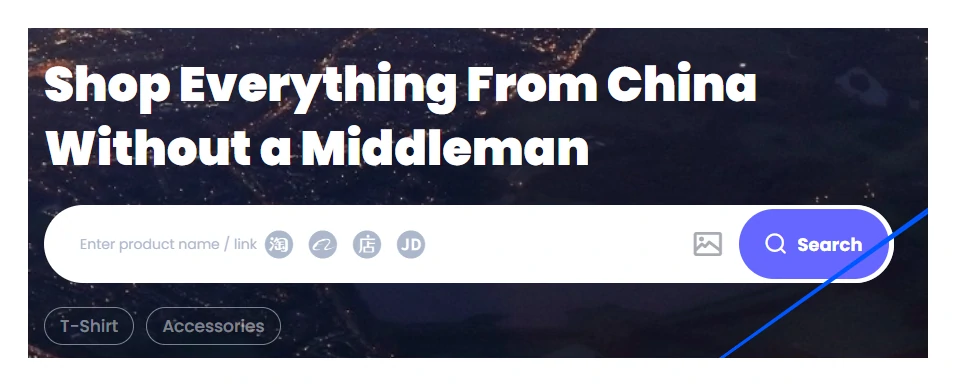
Nothing on this site stores your money, your address or your parcel. It is written by one editor who reads the operator help centre and writes down what it actually says, including the places where it contradicts itself.
What PonyBuy does with a link you hand it
The mechanism is plainer than most explanations of it. You submit the address. A purchaser at PonyBuy contacts the seller and buys the item with PonyBuy money. The seller posts it to the PonyBuy warehouse inside China. The warehouse opens it, photographs it and shelves it. It sits there until you pick a route and pay for the international leg.
Two consequences fall out of that and catch almost everyone. First, you are buying from a Chinese seller through an intermediary, so seller behaviour is still seller behaviour: stock, colour and dispatch speed are theirs, not PonyBuy's. Second, because the item crosses a warehouse, you pay twice, and the second amount cannot be known until the parcel exists and has been weighed.
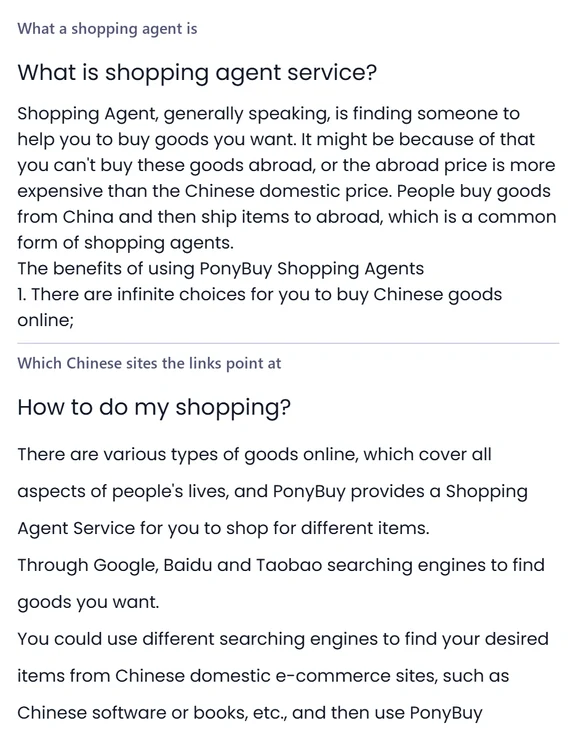
PonyBuy names the Chinese sites the links point at in the same article: the domestic e-commerce platforms you would reach through Google, Baidu or Taobao search. Which platform a link belongs to matters, and the difference is worth two minutes.
What should you do at this status?
Choose the wording on your order. This guide points to the next action described in the help-centre sources reviewed on 22 September 2026.
Use the live order page for deadlines, amounts and messages. This tool cannot see your account.
Check the first payment
The order exists, but the purchase has not started. Check the order details and its payment deadline before paying.
Read the payment guideWhere each question gets answered
Thirteen subjects, thirteen pages, no page repeating another. If you already know what is bothering you, go straight there.
| If you are wondering | The page that answers it |
|---|---|
| What the browsing site is, and which platform a link belongs to | What a PonyBuy Spreadsheet is |
| How a link becomes a paid order, screen by screen | From one link to a paid order |
| Why a link stopped working, or shows stock that is not there | When a link stops working |
| What each order status means and how long it usually sits there | Statuses and how long each takes |
| Payment methods, the verification wait, currency conversion and fees | Paying for a batch |
| Quality check on arrival, storage, photos and combining parcels | The warehouse and its photos |
| Routes, declarations, restrictions, tax and customs risk | Sending the batch abroad |
| Tracking that has not moved, and shipping heavy or oversized batches | Tracking and customized shipping |
| Parcels you bought somewhere else and want forwarded | Parcels bought somewhere else |
| How to judge an agent, a seller, a browsing site and an item | Choosing an agent |
| Short answers, the glossary, and what to do when something goes wrong | Questions, terms and help |
| What changed here, and what changed upstream | What changed on this site |
| Who writes this and how to correct it | Who runs this site |
No page on this site quotes a price, a rate or a delivery time as if it were fixed. Those live on the operator side and move without notice.
What the operator announces, and what this site does with it
PonyBuy runs a thin announcement strip across the top of its own site. It is where free vacuum packing, route changes and promotions appear, and it is the fastest place to notice that something you read last month is no longer true.
This site does not mirror it. Announcements expire, and a copied announcement with no expiry date is how a guide quietly starts lying. What this site does instead is re-read the help centre on a fixed date, write that date in the footer, and record the differences on the updates page.

Three things people ask before the first order
The rest are on the questions page, together with a glossary of the abbreviations you will meet.
Do I need an account before I can look at anything?
No. Looking costs nothing and commits nothing. You need an account at the point where money changes hands, because the first payment is what tells a buyer to go and get the item. Until then a link is only a link.
Is one payment enough?
Usually not. PonyBuy asks for the item and the Chinese domestic delivery first, then for the international shipping once the parcel has been weighed. It says so itself in the notes it asks you to read before the first order. Budgeting for one payment is the single most common way to get stuck.
How much of this site is PonyBuy speaking?
The rules are PonyBuy speaking and every one of them carries a link back to the article it came from. The ordering, the warnings and the places where two official articles disagree are this site speaking. Nothing here is a price, a rate or a delivery promise.